

Highlights

Stand-Mounted Setup

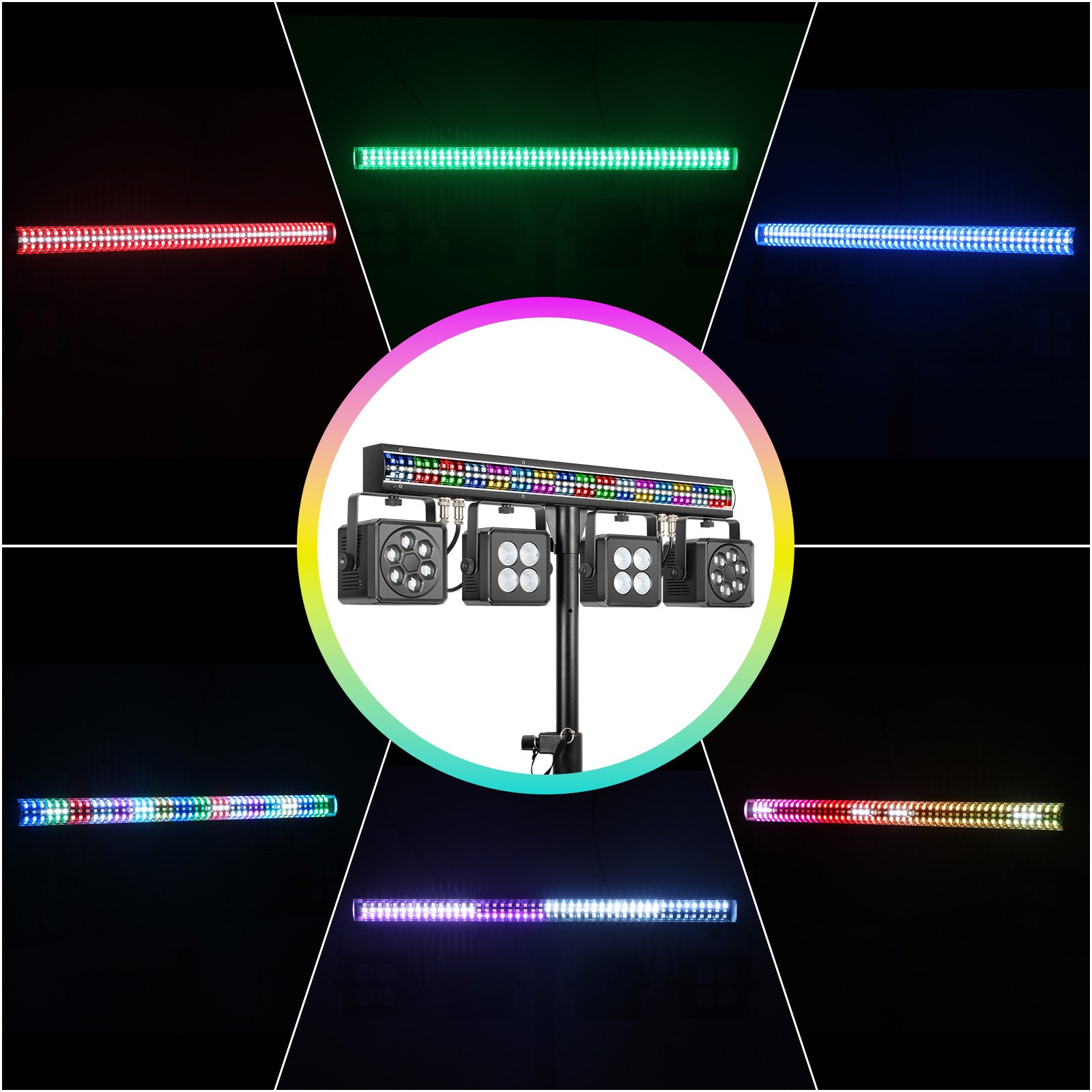
Kaleidoscope Beam Effects

5-in-1 Light System

Sound-Active Sync

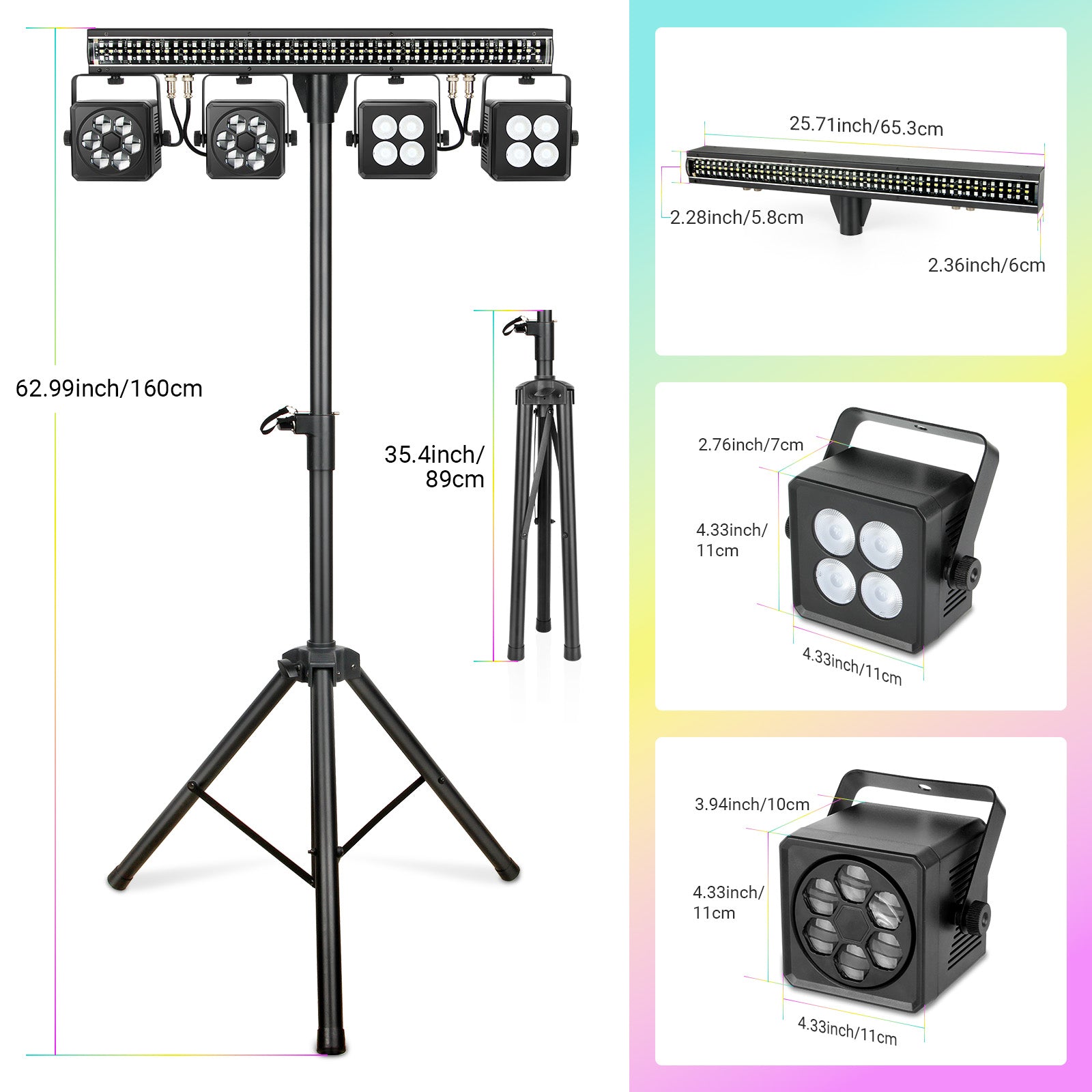
Dimensions

Weight
150W 5-in-1 Bee Eye DJ Light with Tripod Stand
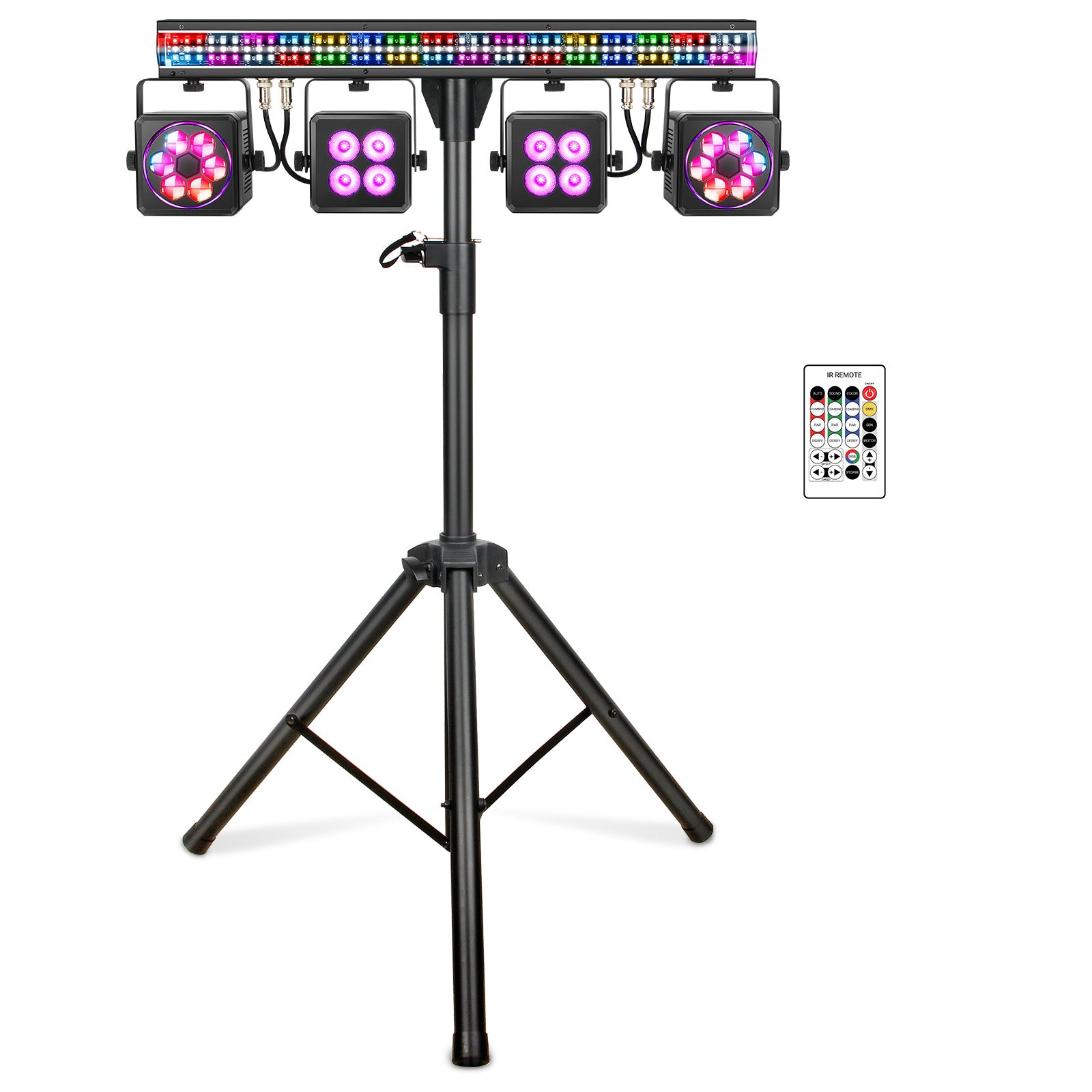
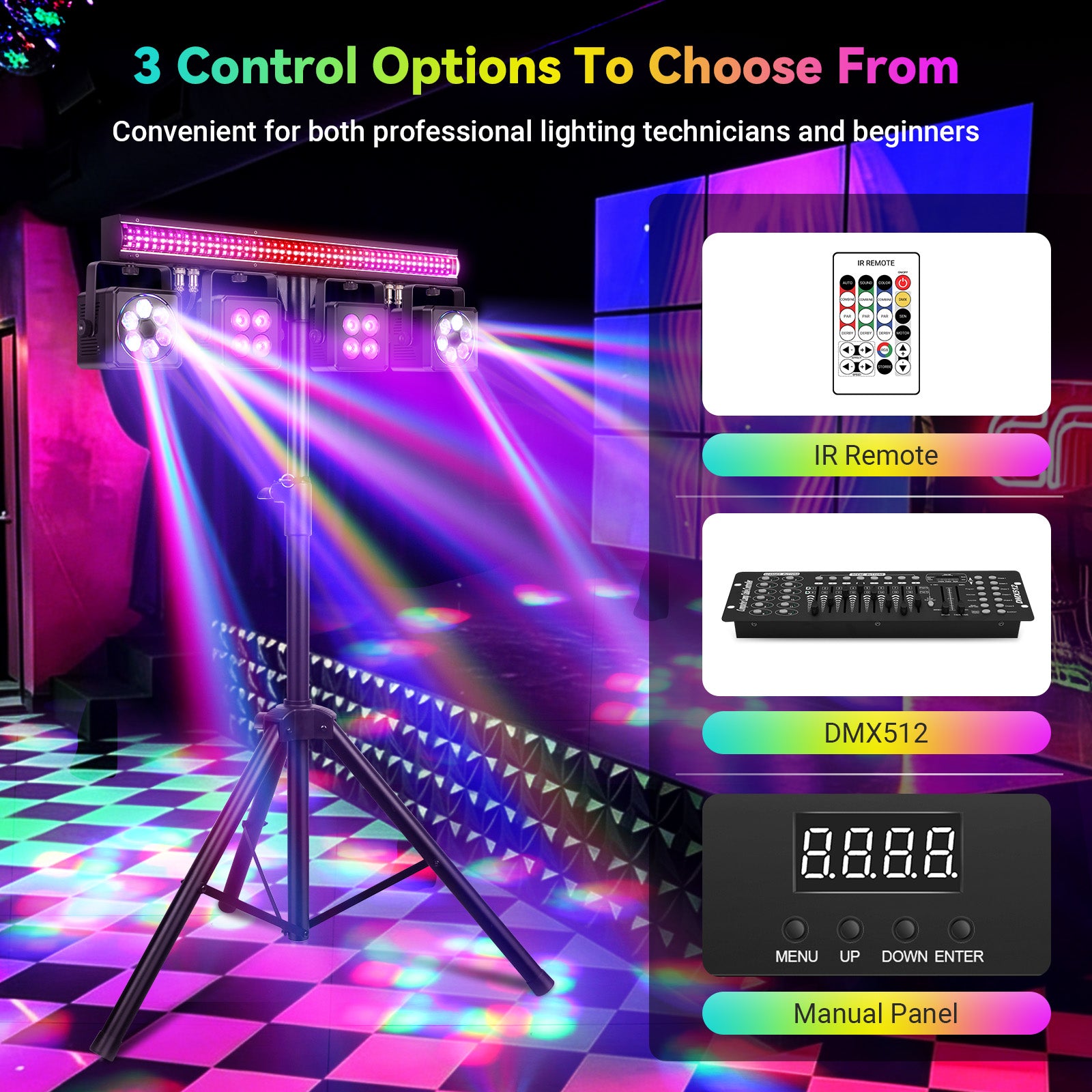
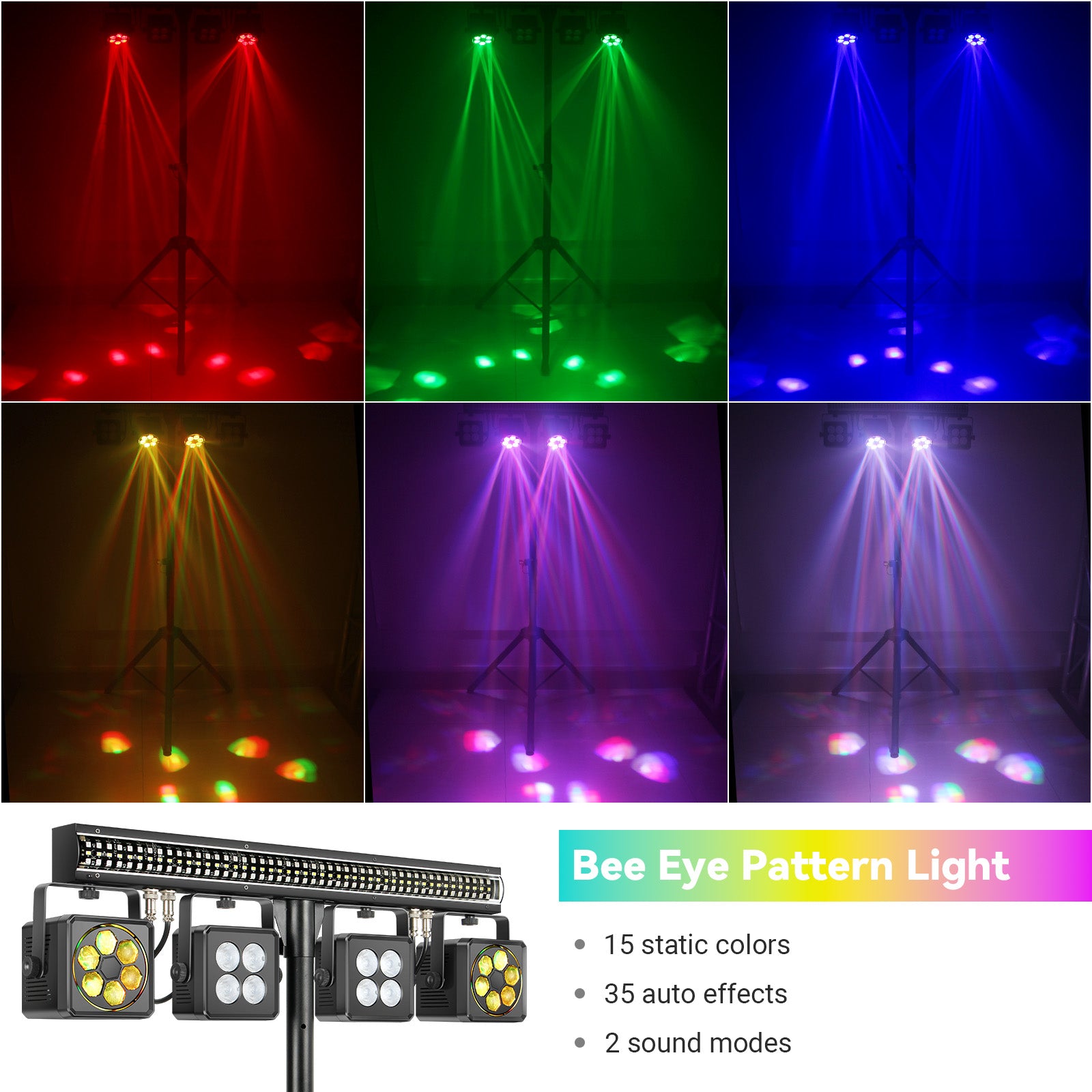
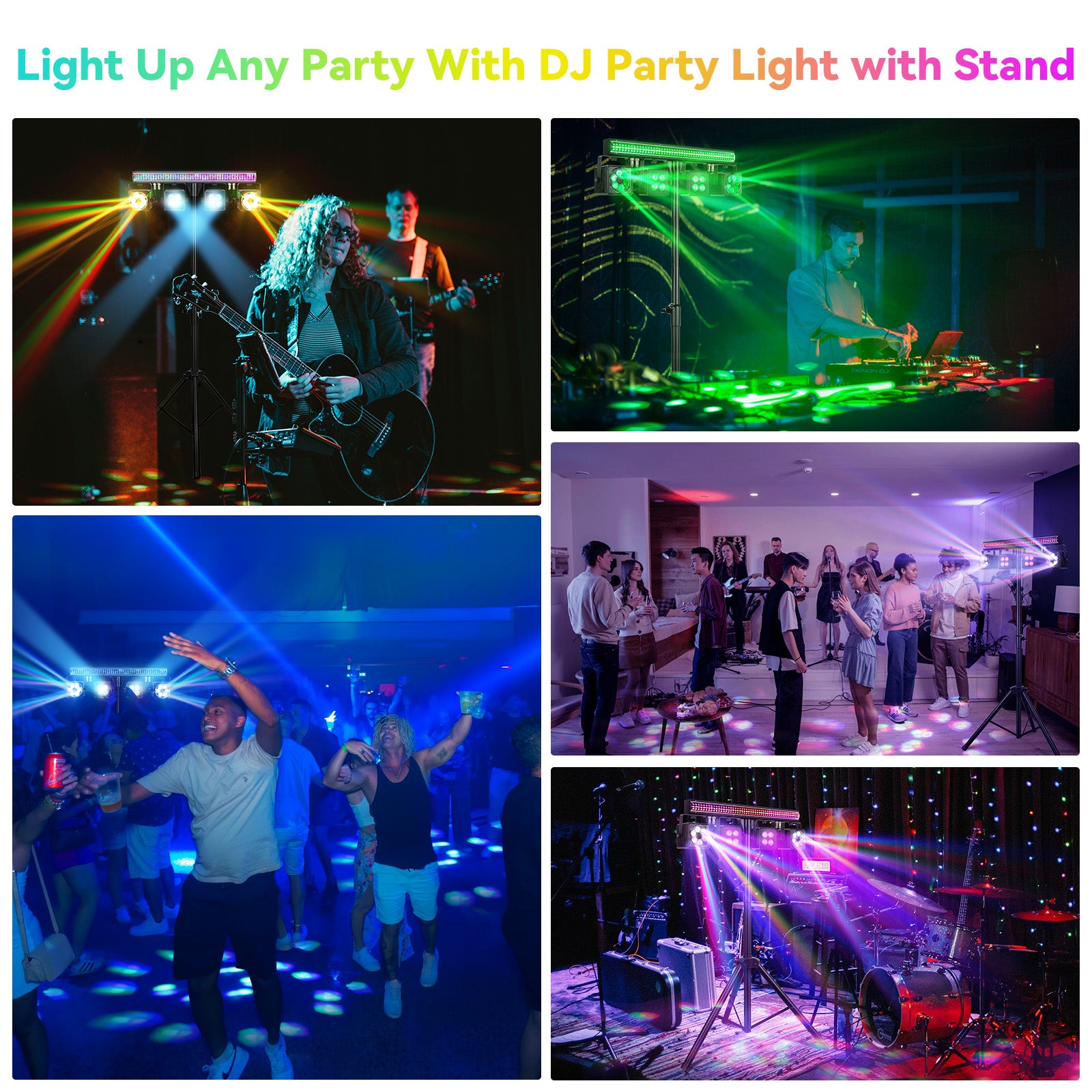
Beams, washes, and chases from one stand. This 150W 5-in-1 DJ light packs five sections into one head — two rotating bee eye lights, two RGBW PARs, and an RGB pixel bar with white strobe — with sound-active mode, IR remote, auto programs, and 4 DMX modes, built for mobile DJs, parties, and small venues.
Highlights
Stand-Mounted Setup
Kaleidoscope Beam Effects
5-in-1 Light System
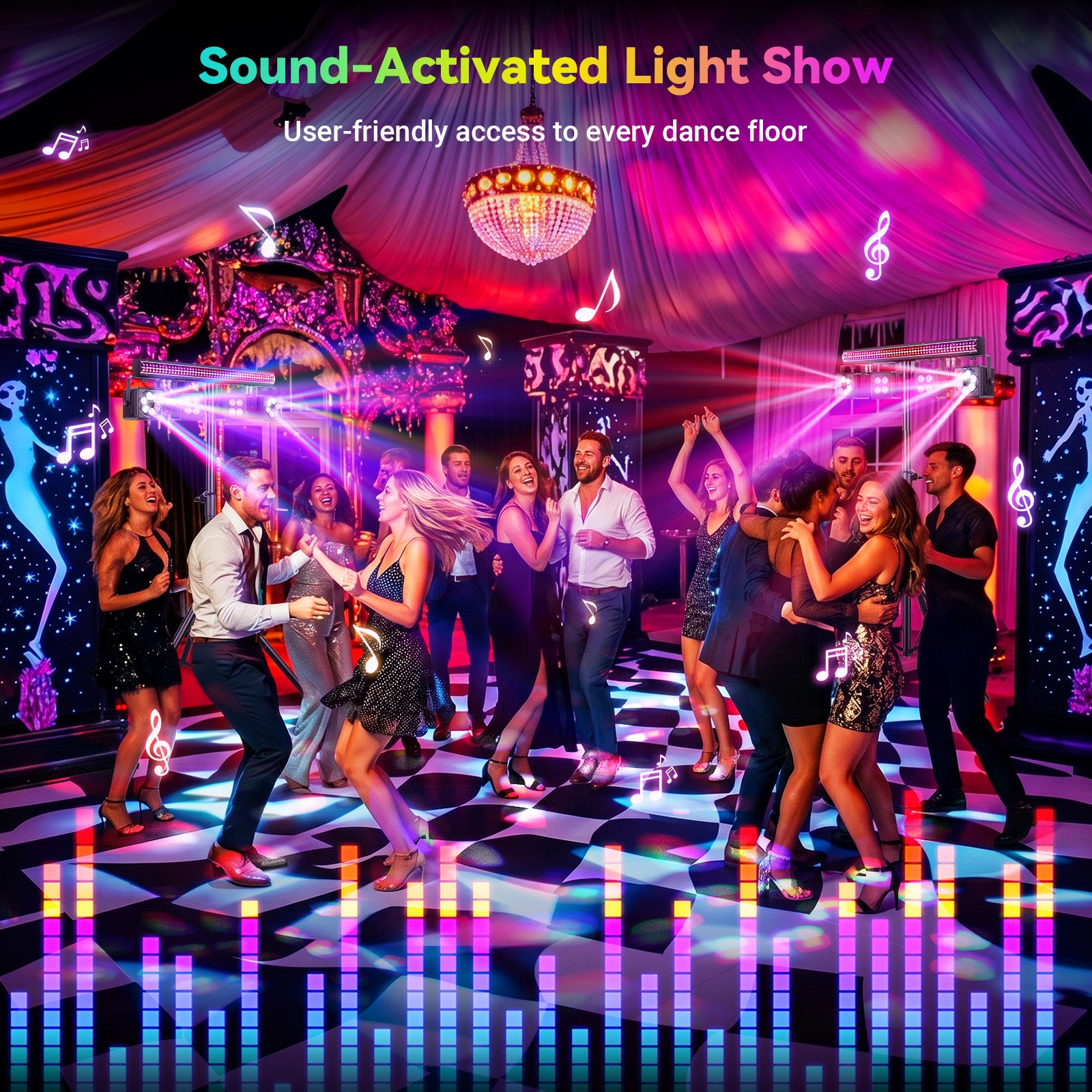
Sound-Active Sync
Dimensions
Weight

Pairs well with
Free Shipping from U.S. Stock
30-Day Money Back Guarantee
CE & RoHS Compliant
24-Month Warranty
150W 5-in-1 Bee Eye DJ Light with Tripod Stand
If you have any questions, you are always welcome to contact us. We'll get back to you as soon as possible, within 24 hours on weekdays.
- Email: support@yeesiteelec.com
- Phone: (626) 474-4275
- Live chat: click on the chat bubble on the bottom left.
-
Shipping Information
All our items are shipped from the U.S. stock, arriving at your doorstep in up to 8 days at no extra cost. You can always opt in for Priority Shipping ($19.99) or Express Shipping ($49.99) to shorten the transit time and get your orders delivered in as fast as 1 business day.
For more details, check our shipping policy.
-
Compliance Notice
Our products are designed to meet applicable CE and RoHS requirements. Specifications and features may vary by model and are subject to change. Professional installation and proper usage are required.
-
Warranty Info
Yeesite products are covered by a 24-month limited warranty from the date of purchase against manufacturing defects under normal use. This warranty covers defects in materials or workmanship, but does not apply to damage caused by improper installation, misuse, unauthorized modification, normal wear and tear, or operation outside of recommended specifications. Warranty service may include repair or replacement at Yeesite’s discretion, and proof of purchase is required.
-
Refunds & Returns
Eligible items may be returned within 30 days of delivery. Once approved, Yeesite covers all return shipping costs and no restocking fee applies. Refunds are issued after inspection.
For more details, check our refund policy.
Dive Deeper
Tech Specs
Installation, Cleaning & Maintenance
Compliance & Certification
The 150W 5-in-1 Bee Eye DJ Light with Tripod Stand is designed to comply with applicable CE and RoHS requirements.
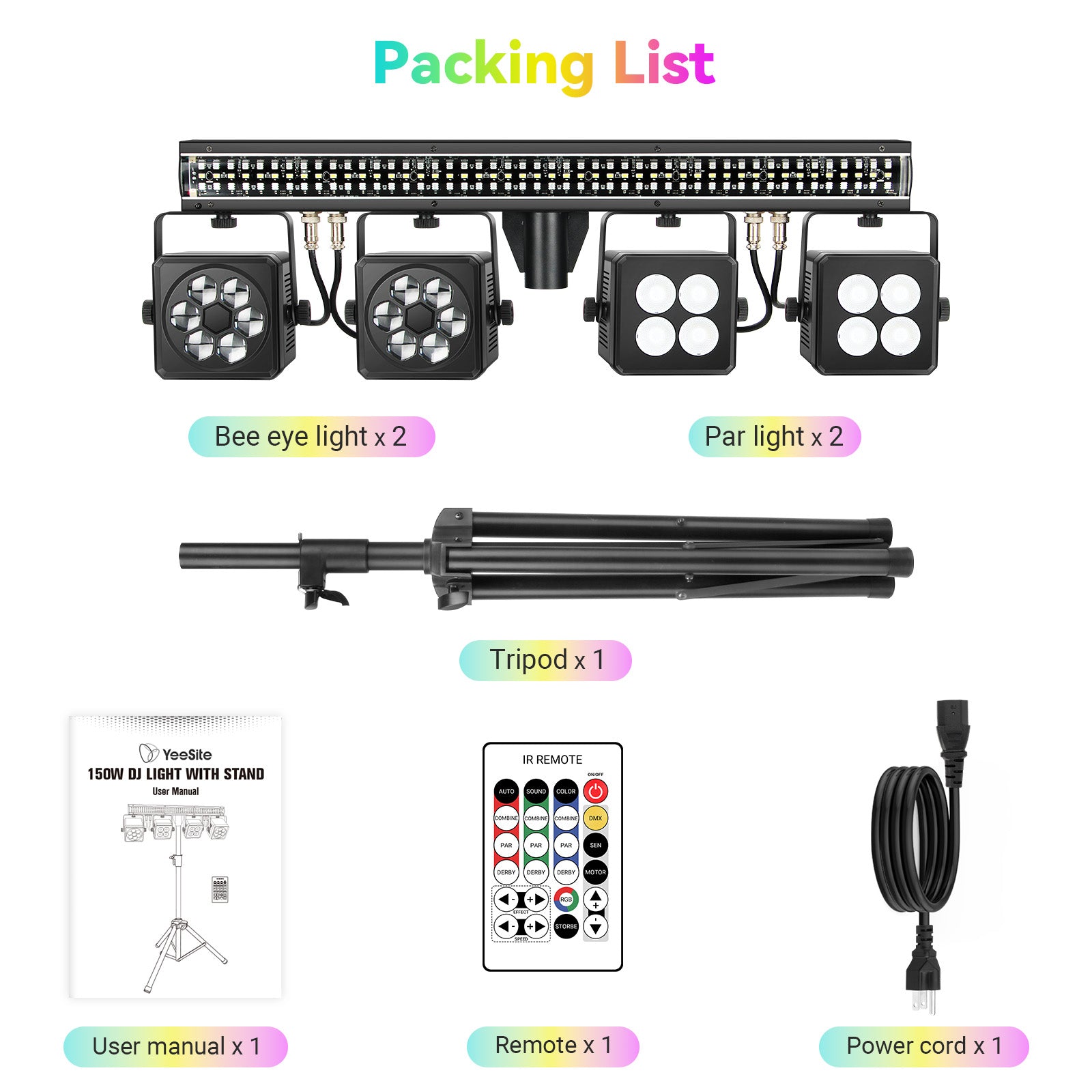
In The Box

The Light

Installation Kit

Tripod Stand

Remote

Power Cable

User Guide


Free shipping and returns
FAQs
Please read our FAQs page to find out more.